

Step 1: Select your plan and Sign Up
Visit our pricing page and select either a monthly or annual plan. From there, click Get Started and you will be redirected to a registration page where you can register through Google or Email and complete your payment. All payments are processed securely through Stripe.Step 2: Install our Chrome Extension
Open your Google Chrome browser and visit our chrome extension in the web store. Click the blue Add to Chrome button on the right side of the page to install the extension.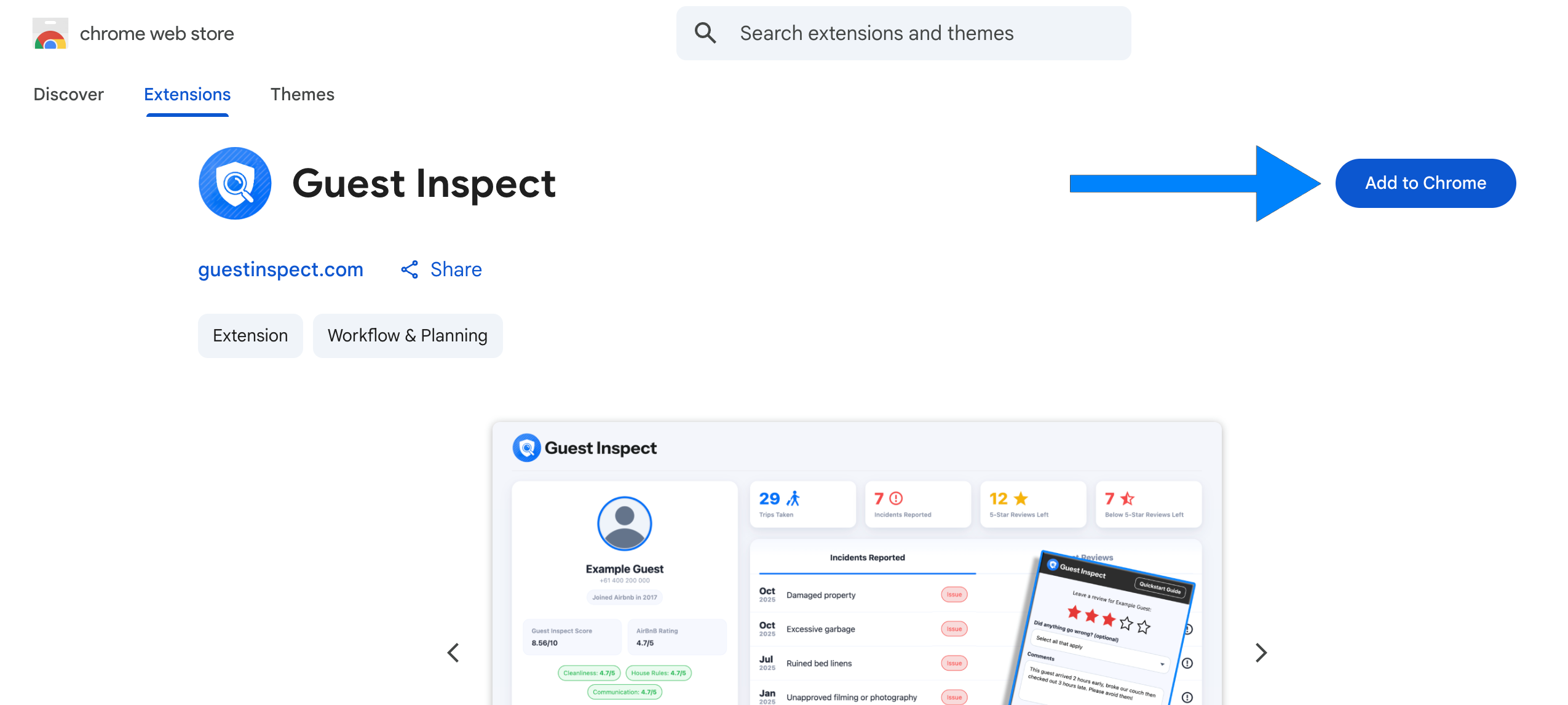
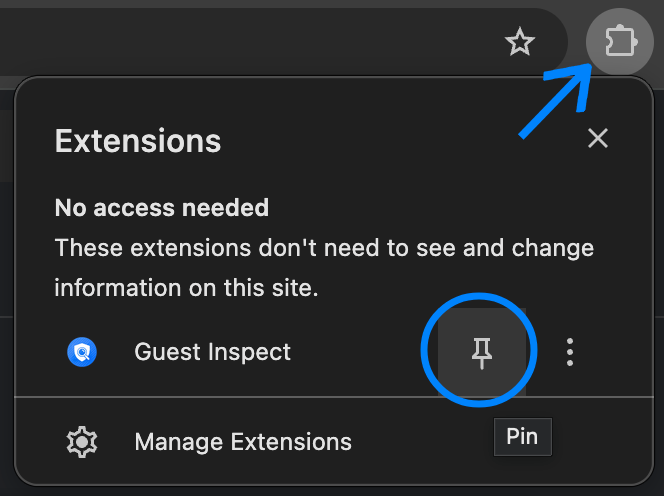
Step 3: Login to the extension
Open the Guest Inspect extension by clicking the icon which should now show to the right of your URL bar. Now click Log in in the bottom right and enter in the account details you used to sign up in step 1.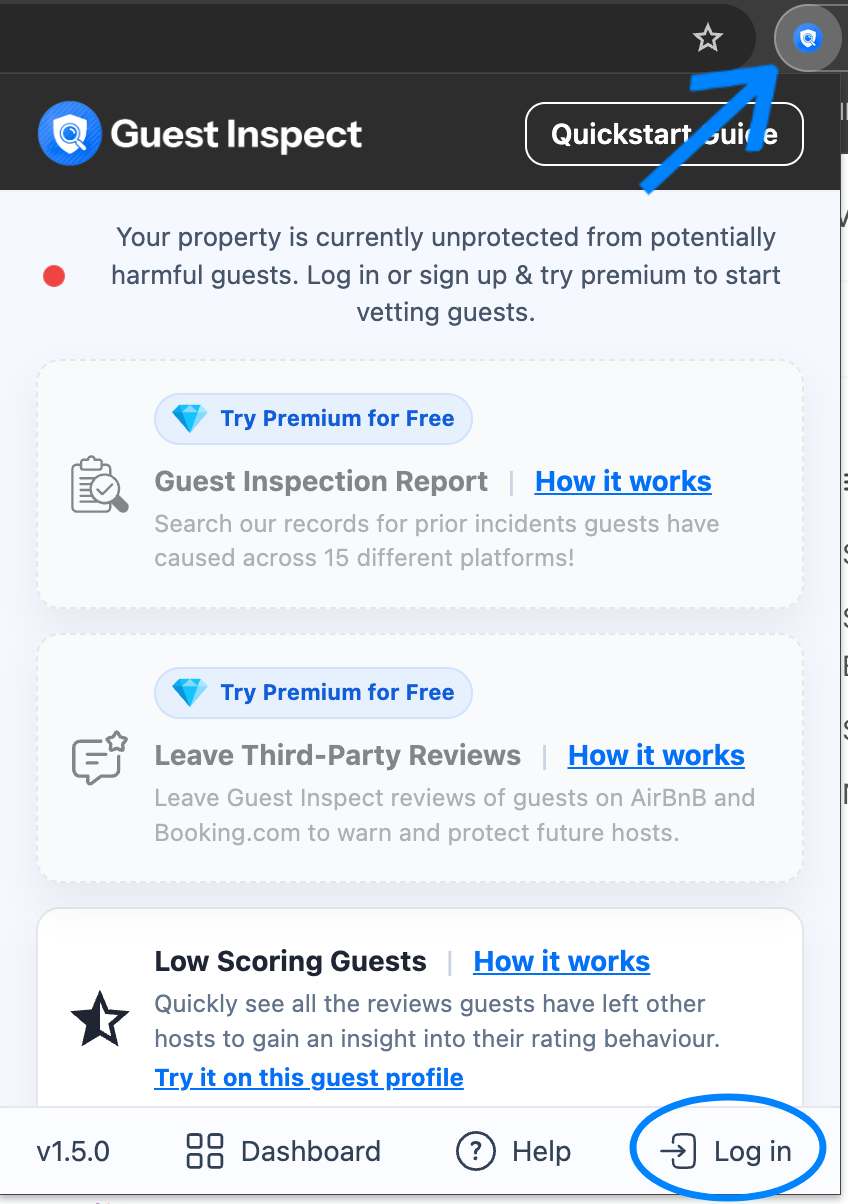
Next steps
Now that you have everything set up, explore these key features:Generate a guest inspection report
Start vetting guests by checking for prior incidents across 15 different platforms!
Leave a guest review
Submit a Guest Inspect review on AirBnB or Booking.com to protect future hosts.
View reciprocal reviews
Guest Inspect can show you exactly how a guest has reviewed previous hosts to avoid low scorers!
Explore the dashboard
View and manage all your Guest Inspect reviews directly from our handy dashboard.