Step 1: Install our Chrome extension
Open your Google Chrome browser and visit our chrome extension in the web store. Click the blue Add to Chrome button on the right side of the page to install the extension.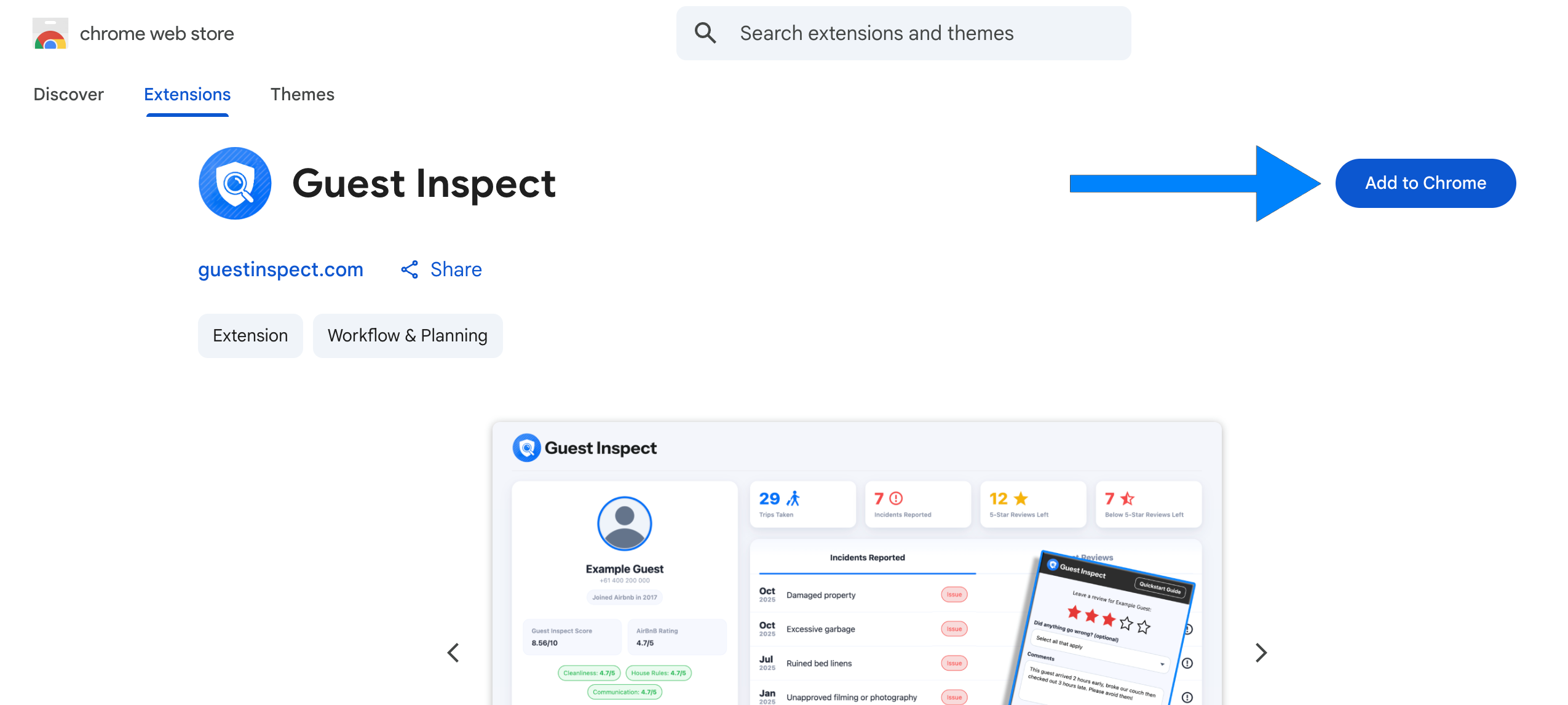
Step 2: Pin the extension
Now that you’ve installed the extension, click the jigsaw piece to the right of the URL bar then click the pin button next to Guest Inspect.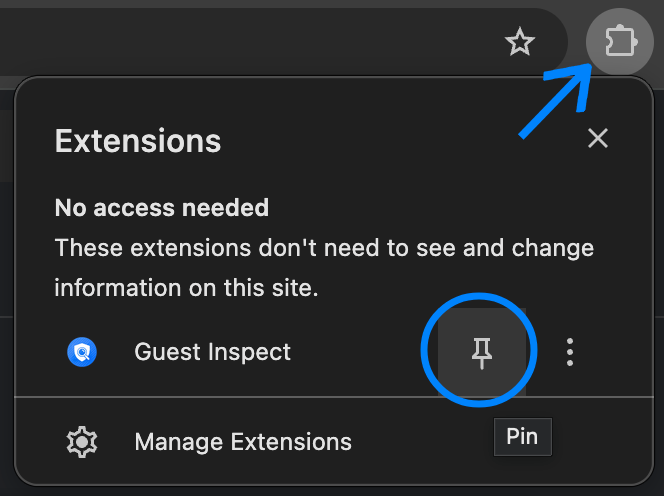
Step 2: Login to the extension
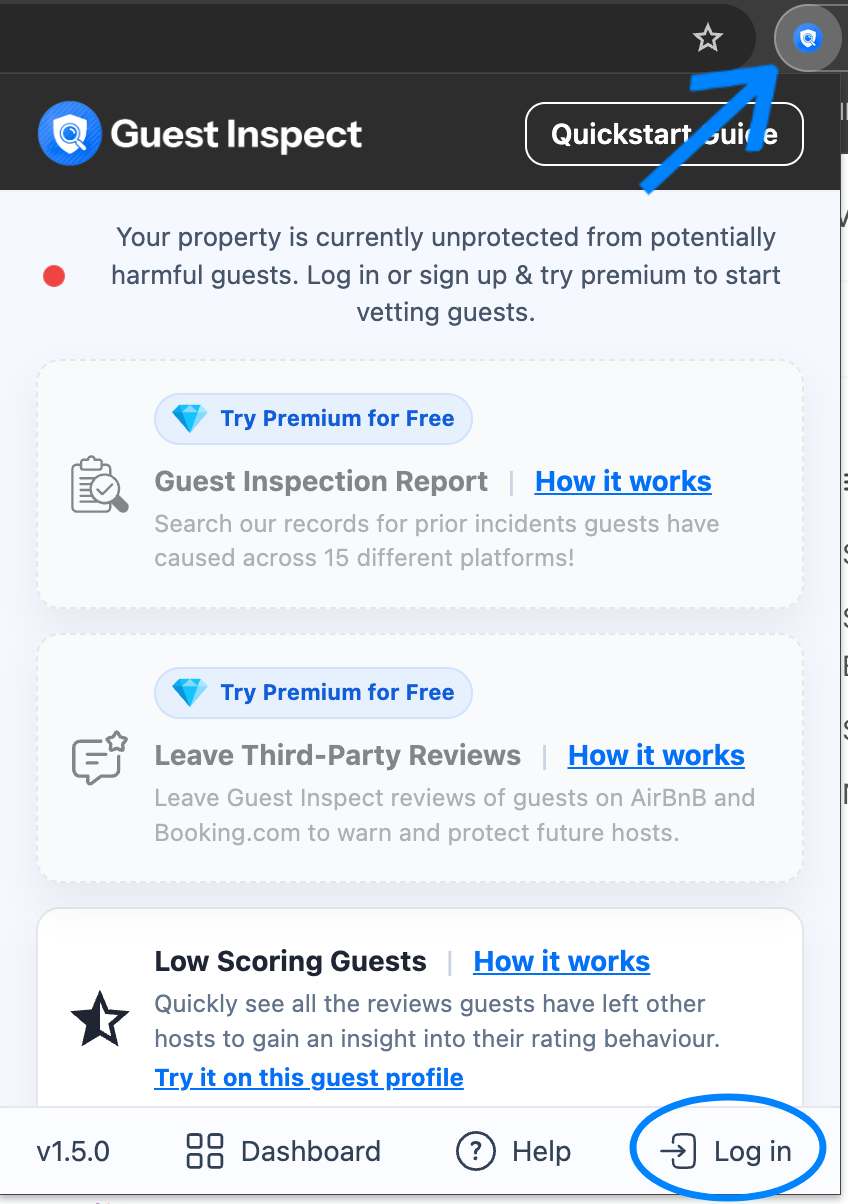
Open the Guest Inspect extension by clicking the icon which should now show to the right of your URL bar. Now click Log in in the bottom right and enter in your Guest Inspect account credentials.