How to See Your Reviews
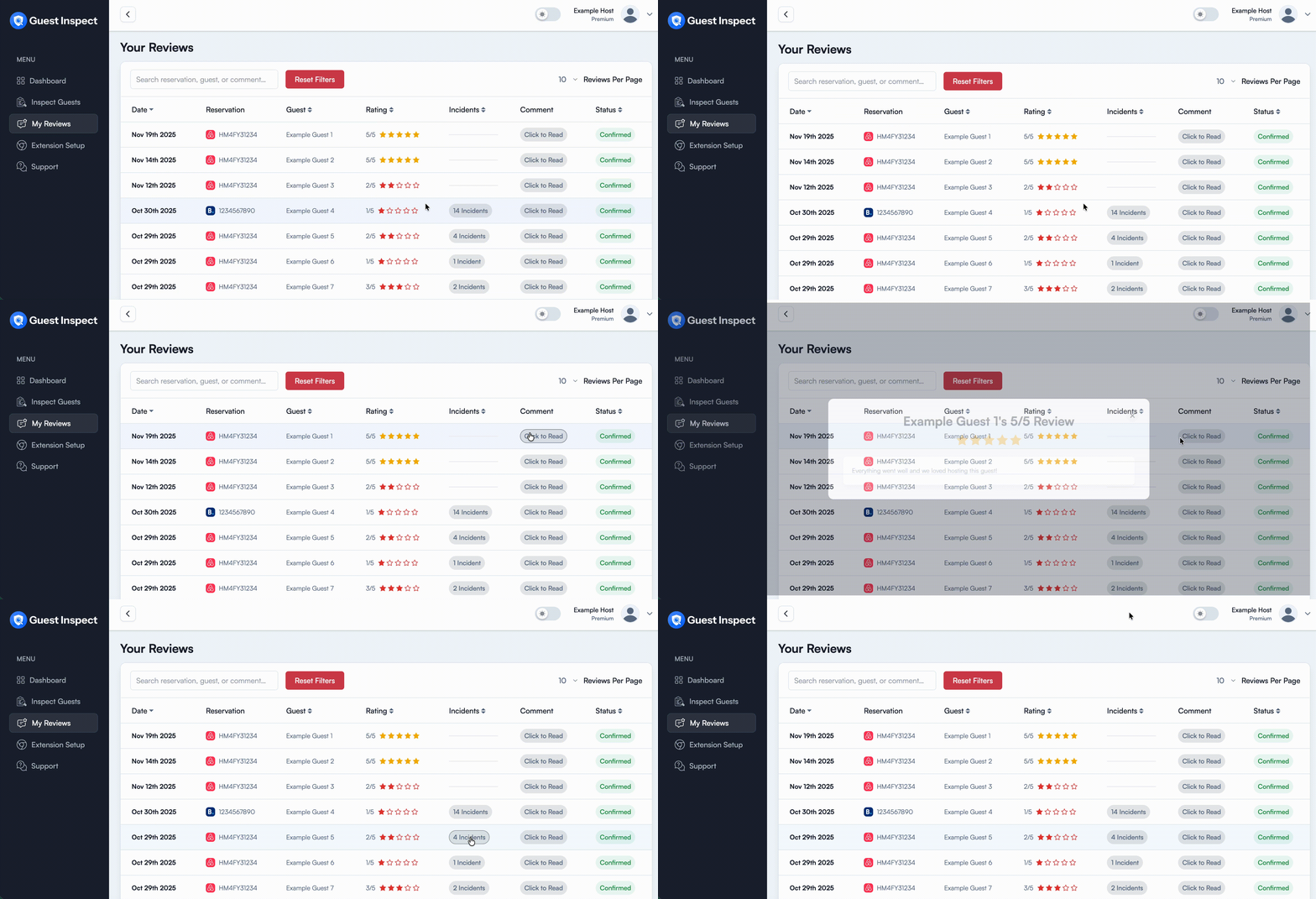
Head to the Manage Reviews tab in the dashboard then wait a few seconds for the table to populate with your prior reviews. You can then search for a specific review via reservation code, guest name, or even review comment. Additional sorting is also available for certain columns and you can reset the table view at anytime by clicking the Reset Filters button To read the host’s comments or see what incidents occurred, click either grey bubble in each review row as seen below: